×
Skip to main content

isend

WooCommerce Shipping Integration Plugin Built for Sellers

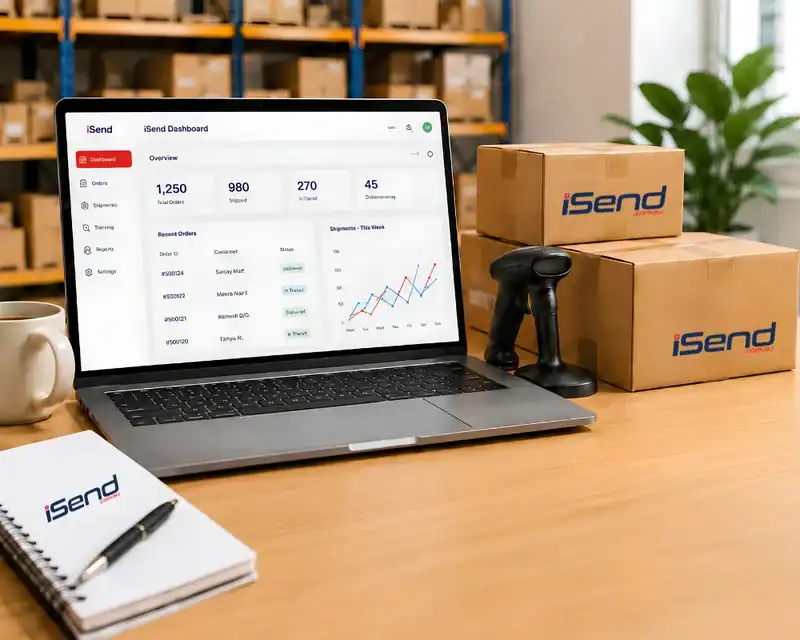
iSend connects your WooCommerce store to Australia Post, DHL, FedEx, UPS and 50+ international carriers. You can compare live rates, print labels in bulk, and keep customers updated automatically, all from one dashboard. Backed by DTDC Australia.

E-Commerce & Store Integrations
×

Is Manual Shipping Slowing Down Your Growth?

Managing a WooCommerce business is not an easy task. It is further complicated by shipping issues. In case you have the following problems, iSend is built for you:

Copy-Paste Errors

Manual data entry means wrong addresses, wrong zones, and failed deliveries. Every order re-typed into a carrier portal is another chance for a costly mistake.

Lost Revenue

Wrong shipping rates at checkout cause cart abandonment. Overcharging loses the sale; undercharging eats your margin on every order.

Customer Support Tickets

No real-time tracking means constant "where is my order" emails. That's support hours you could spend growing the business instead.

An efficient shipping integration for WooCommerce eliminates all these bottlenecks and allows you to invest in growth.

Best Shipping Plugin for WooCommerce Automation

iSend will simplify the shipping process and make the entire process automated. It connects WooCommerce to multiple carriers. It also reduces manual labour, and the order fulfilment process is made faster.

Real-Time Multi-Carrier Rates

See live rates from Australia Post, DHL, FedEx, UPS and 50+ carriers at checkout. Customers compare cost and delivery time before they buy, which reduces cart abandonment.

Bulk Label Printing

Generate and print shipping labels in bulk with one click. No more logging into separate carrier dashboards for every order.

Automated Shipment Tracking

Tracking numbers are assigned and sent to customers automatically. Fewer support tickets, less manual follow-up.

Bulk Order Shipping

Process hundreds of orders from a single dashboard, grouped by destination, weight or carrier. Cuts manual sorting time during peak periods.


What Our Customers Say

iSend has made our eBay shipping process much simpler. Orders are synced automatically, and creating labels and managing tracking from one platform has saved our team a lot of time.
Henry
Product Manager

Steps to Integrate WooCommerce with iSend

Discover how iSend connects your WooCommerce store with multiple carriers to automate shipping labels, tracking notifications, and order fulfilment without complex setup.

Step 1: Log in to iSend

Access your iSend dashboard and go to the eCommerce Stores section.

Step 2: Add Your WooCommerce Store

Select Add WooCommerce Store and enter your store URL.

Step 3: Generate WooCommerce API Keys

In WooCommerce, navigate to: WooCommerce → Settings → Advanced → REST API Click Add Key, select Read/Write permissions, and generate the API keys.

Step 4: Copy API Credentials

Copy the Consumer Key and Consumer Secret from WooCommerce.

Step 5: Connect WooCommerce to iSend

Paste the credentials into the Client ID and Client Secret fields in iSend, then click Continue to WooCommerce.

Watch Guided Implementation Video

Why Store Owners Choose Us Over Others

Enterprise-Grade Architecture for WooCommerce

Idea: Built by developers, for developers. Our integration is designed to handle high-volume stores without slowing down your site.

Built by developers, for developers. iSend’s WordPress shipping integration is optimised for performance, scalability, and flexibility.

Built for Australian carriers first

Australia Post, direct interstate and international rate handling, not a US-first platform retrofitted for AU.

Backed by DTDC Australia's logistics network

Real freight and customs experience, not just a software layer.

REST API Support:

REST API access and Elementor/Divi compatibility for custom WooCommerce builds.

Compatibility:

Compatible with Elementor, Divi, and multilingual stores using WPML.

Address Validation:

Automatically checks the address at the checkout stage to reduce the chances of failure on delivery and resending.

This is a powerful WooCommerce shipping plugin that can process high-volume orders without slowing down the site.

FAQs

iSend is built specifically for Australian sellers and backed by DTDC Australia’s logistics network, with real-time multi-carrier rate comparison, bulk label printing and automated address validation in one platform.

Yes. iSend is automated, can process in bulk and offers multi-carrier services, and is the best fit when dealing with dropshipping companies that require high speed, accuracy and scalability. It also reduces the workforce and helps in processing large volumes of orders.

Yes. iSend displays real-time rates from connected carriers at checkout, so customers see accurate cost and delivery estimates before completing their order.

Yes. iSend lets you generate and print shipping labels for multiple orders at once, instead of creating them one at a time in separate carrier dashboards.

Yes. iSend integrates WooCommerce with Australia Post, DHL, FedEx, UPS and more than 50 other carriers, so rates, labels and tracking are handled from a single dashboard.

Setup takes five steps: log in to iSend, add your WooCommerce store, generate WooCommerce REST API keys, copy the API credentials, then paste them into iSend to connect — most stores are live within 15–20 minutes.

Yes. iSend automatically checks the delivery address at checkout, which reduces failed deliveries and costly re-sends.

Yes. iSend is DTDC Australia’s shipping software platform, combining REST API-based WooCommerce integration with DTDC’s logistics and customs experience.

Yes. Alongside domestic Australia Post shipping, iSend connects to DHL, FedEx, UPS and other international carriers for cross-border orders.

Ready to Automate Your Shipping?

iSend helps to save time and money in 1,000+ WooCommerce stores. Expand your fulfilment to a growth-oriented WooCommerce shipping marketing app.

Read Our Woocommerce Blogs