

×
Skip to main content

isend

Print Shipping Labels with Isend

Fast, Easy and Carrier-Ready

Whether you’re sending a single parcel or processing hundreds of orders a day, printing shipping labels has never been more straightforward. iSend gives senders and online retailers access to multi-carrier label generation, seamless integrations, and a streamlined print workflow that saves time at every step.

Save Time

Streamlined workflow in just a few clicks

Compare Rates

Find the best rates across multiple carriers

Carrier-Ready Labels

Print labels that are 100% compliant and ready to ship

How to Print a Shipping Label with iSend (3 Simple Steps)

Printing a shipping label through iSend comes down to three actions, no matter which carrier you choose.

Connect Your Store

1. Generate your label

Log in to your iSend dashboard, enter your sender and recipient details, select your service level (standard, same day, or international), and confirm the package weight and dimensions. iSend compares rates across carriers and creates your label file.

Send Your Inventory

2. Download and prepare

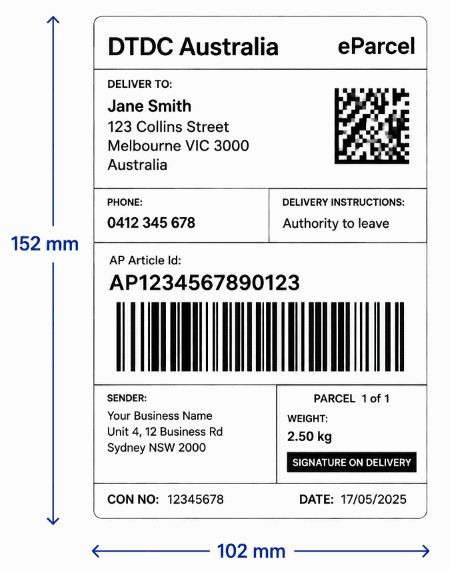
Save the label file to your device. Most Australian carriers produce labels at 102 x 152 mm (4 x 6 inch), the standard thermal label size. If you're printing on an A4 sheet using an inkjet or laser printer, your iSend label file includes sizing guides so it prints at the correct dimensions.

Pick & Pack Services

3. Print and attach

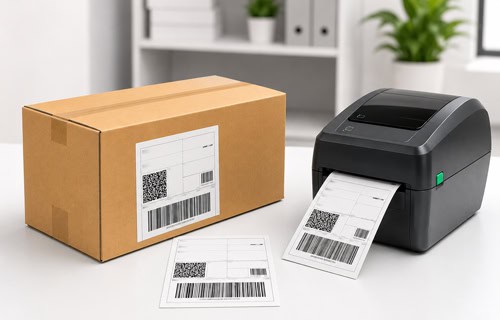
Send the file to your printer, cut or peel the label, and attach it securely to the largest flat surface of your parcel. Avoid placing it over seams, tape, or curved edges. Drop the parcel at your nearest carrier collection point or post office, or schedule a pickup directly from your address.
For a detailed walkthrough of the full process, visit our Shipping Guides or watch step-by-step demonstrations in our Video Tutorials.

Supported Carriers and Label Types

iSend supports label generation across all major Australian carriers from a single platform, so you’re never logging in to multiple dashboards or juggling separate carrier accounts.

DHL Express

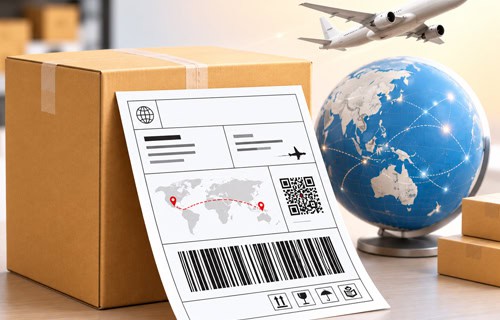
When you generate a DHL Express label through iSend, it includes Ship From and Ship To address fields, tracking barcodes, and customs information for international shipments.
Australia Post

Australia Post offers two main business label programmes, and iSend supports both. Both produce 102 x 152 mm labels, and when you're shipping internationally, iSend generates the required CN22 or CN23 customs forms directly on the label.
StarTrack-and-Aramex

StarTrack and Aramex

Both are available straight from
iSend's multi-carrier shipping software, so you can compare them alongside every other carrier without leaving your dashboard.
TNT, Couriers Please, Hunter Express, Star Track, Direct Courier, Fedex, UPS, Trans Freight & More

Shipping Label Sizes - Carrier Reference Guide

Using the correct label size prevents misprints, scanning errors, and delivery delays. Here’s a quick reference for the major Australian carriers you can book through iSend:

Shipping Label Sizes - Carrier Reference Guide
CarrierStandard Label SizeCommon Label Roll (Thermal)
Australia Post eParcel102 x 152 mm102 mm roll
Australia Post MyPost Business102 x 152 mm102 mm roll
DHL Express102 x 152 mm102 mm roll
Sendle102 x 152 mm102 mm roll
StarTrack100 x 150 mm100 mm roll
Aramex100 x 150 mm100 mm roll

The 4 x 6 inch (approximately 102 x 152 mm) format is the universal standard for Australian carrier shipping labels.
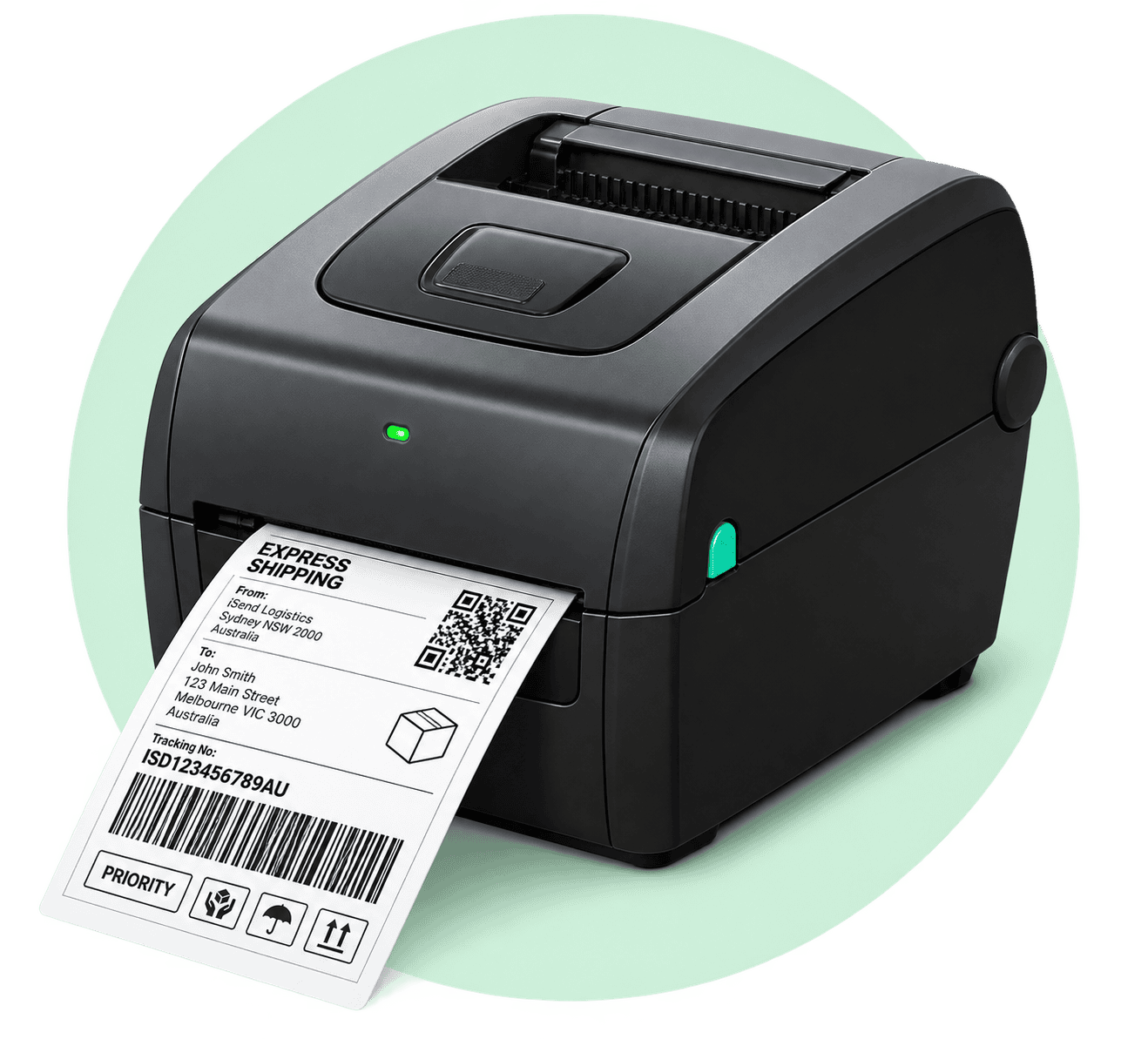
If you're using a thermal label printer, stock a 102 mm wide roll and you'll be compatible with virtually every major carrier iSend supports.

Thermal Label Printers vs Standard Inkjet - Which Do You Need?

Choosing the right printer matters, especially once you’re processing more than a handful of shipments a week.

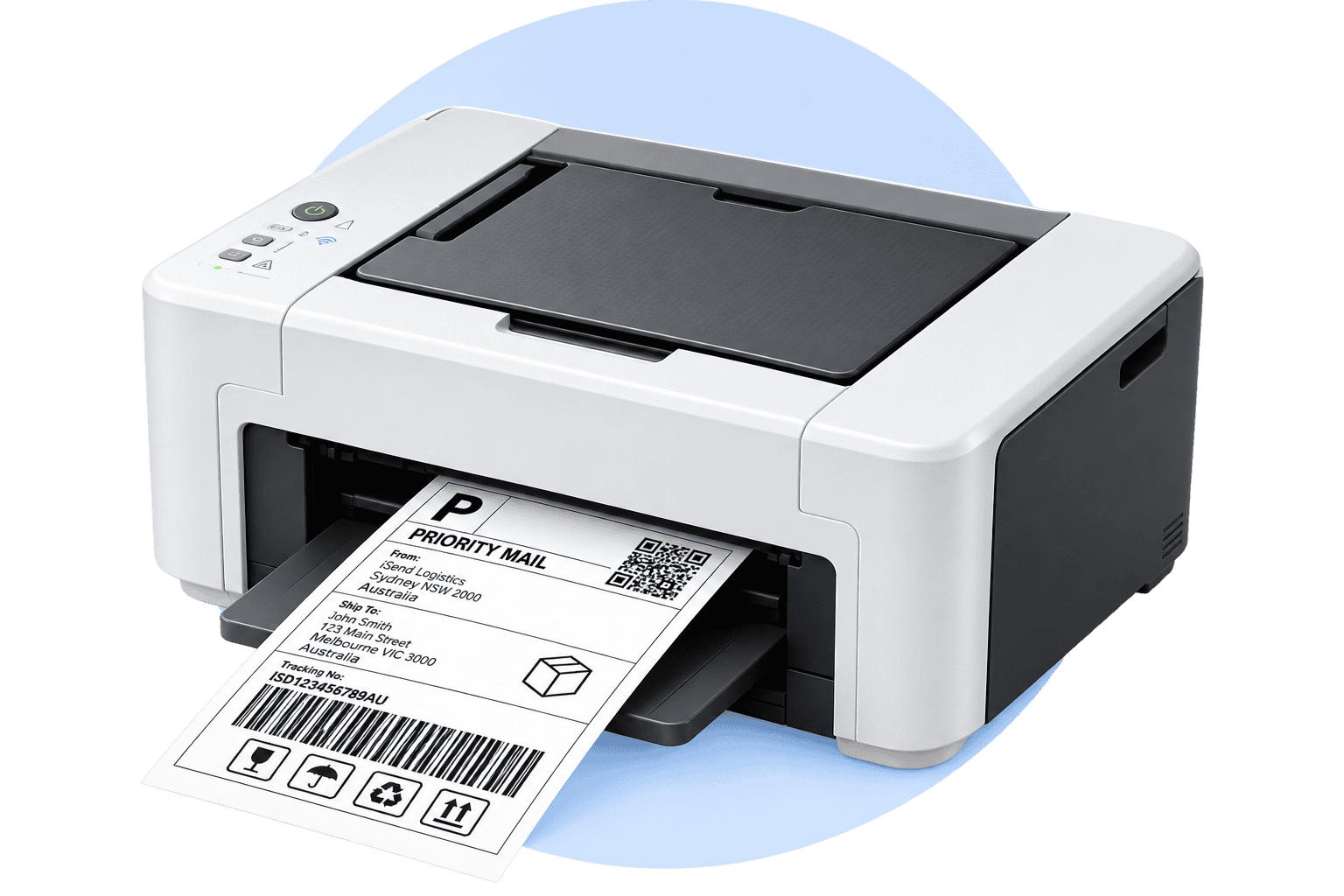
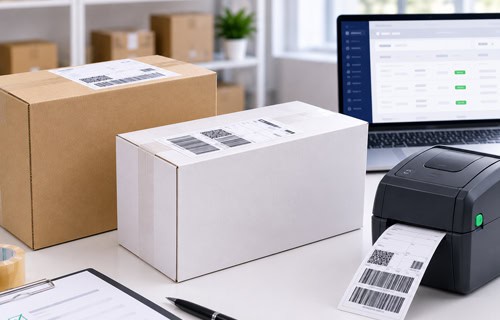
Thermal label printers use heat to activate the label surface, so there's no ink, toner, or ribbons involved. Print speed is significantly faster (typically 4 to 6 labels per second), running costs are lower over time, and the labels themselves are smudge-resistant and durable in transit. They're the go-to choice for eCommerce sellers, warehouses, and any operation shipping more than 20 parcels a week.

Standard inkjet or laser printers can print shipping labels on A4 paper or A4 label sheets. They're a practical option for low-volume senders who already own the hardware - the trade-off is a higher per-print cost, slower throughput, and labels that can smear if exposed to moisture in transit.

Thermal label printers
Standard inkjet or laser printers
Standard inkjet or laser
Our recommendation
If you’re shipping 10 or more parcels a week, a dedicated thermal label printer pays for itself quickly through speed, reliability, and lower consumable costs.
Shipping only now and then? A standard printer with A4 label sheets is perfectly adequate.

For high-volume operations, take a look at iSend's Fulfilment Solutions to see how automated label generation fits into a complete dispatch workflow.

Print Shipping Labels Without a Printer

Don’t own a printer? No problem – you’ve still got a few solid ways to get your labels printed and your parcels out the door.

Use Your Local Post Office

Use Your Local Post Office

If you'd rather not print at all, take your label to a local Post Office. Once you've generated your shipment through iSend, you'll have a QR code or barcode ready to show at the counter, and staff can print it and lodge your parcel for you on the spot
no fuss, one trip.
Print at a Print Shop

Print at a Print
Shop

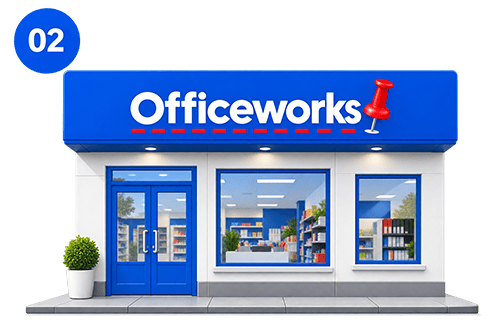
Print shops are another easy fallback. Just save your label as a PDF from your iSend dashboard, pop it on a USB drive or email it to yourself, and get it printed on A4 paper at your nearest OfficeWorks or copy shop. Once it's printed, cover the whole label with clear packing tape so it survives the trip.

Print from Your Phone

Print from
Your Phone

Or skip the computer altogether. iSend's platform works just as well from your phone, so you can generate a label and send it straight to a Bluetooth or Wi-Fi label printer without ever sitting down at a desk. Handy if you're packing orders on the go or don't have a laptop nearby.

Connect Your Online Store

Connect Your Online Store

And if you're running an online store, the real time-saver is connecting it to iSend directly. Once you link up Shopify, WooCommerce, or eBay, labels get created automatically as orders roll in - no printer scrambling, no manual entry,
just print and ship.

Frequently Asked Questions

Isend labels are 102 x 152 mm (approximately 4 x 6 inches) – the standard label size for thermal printing in Australia.
Yes. iSend’s mobile-friendly platform lets you generate a label on your phone and send it to a Bluetooth or Wi-Fi enabled thermal printer. You can also download the PDF and email it to a print shop.
No, but it’s strongly recommended for regular shipping. A standard inkjet or laser printer works fine for occasional use on A4 label sheets or plain paper. For volume shipping, a thermal printer is faster, cheaper to run, and produces more durable labels.
eParcel manifesting is Australia Post’s requirement for business account holders to submit an End of Day manifest confirming all shipments dispatched that day. Skip it, and Australia Post may apply a surcharge to non-manifested shipments on your monthly invoice – iSend handles manifesting automatically.
Yes. Print your label PDF on A4 paper or A4 self-adhesive label sheets at 100% scale (don’t scale to fit), and cover the printed label entirely with clear packing tape to protect it from moisture in transit.

Through iSend, you can print labels in bulk across multiple orders simultaneously – particularly valuable if you’re processing large batches after a sales event or promotion.

Yes. iSend supports international label generation including customs documentation. For complex international shipments, see our Australia Customs Clearance and Import Solutions page.
Void the incorrect label through iSend immediately to avoid being charged for a shipment that was never lodged, then print a corrected one. Never attach two labels to the same parcel.
Yes. Once a label is generated and the parcel is lodged with the carrier, you can track it directly through the iSend portal using the tracking number.
No – you can create an iSend account as an individual sender. Business accounts unlock volume discounts, multi-user access, carrier rate comparison, and platform integrations.
Yes. For freight and pallet-level shipments, iSend generates the appropriate documentation and carrier labels – see our Pallet Shipping page for full details on freight label requirements.
Yes. Our videos in the resources dropdown of the header page outline everything iSend offers, and you can reach our team directly via the Contact Us page if you’d like personalised onboarding support.